Have you ever thought that a simple spreadsheet could help save your renovation project? Our free Excel home renovation budget template sorts your costs into clear sections like materials, labor, permits, and contractor fees. It even includes a special fund for unexpected surprises. Each room gets its own tab, and you can easily adjust the details. This tool makes budgeting for your dream home simple and smart. Ready to tackle expenses and avoid overspending? Let’s dive in and see how this template can change your renovation planning.
Download Your Free Home Renovation Budget Template in Excel

Grab your free home renovation budget template today. You can choose it as an Excel workbook or a Google Sheet. It works smoothly with Excel 2010 and later versions. Just enable editing and start entering your numbers.
This easy-to-use file is great for DIY fans and professionals alike. It has separate tabs for kitchen, bathroom, laundry, and bedroom projects. Each tab provides spaces for materials, labor, permits, and contractor fees, plus a contingency fund set at 10–20% for unexpected costs. You can also customize the columns to suit your project needs.
For extra budgeting tips, check out our DIY project budget template which perfectly complements this home makeover spreadsheet.
Key Features of the Home Renovation Budget Template (Excel)

This budget template is your all-in-one expense tracker for home remodeling projects. It sorts your costs into clear categories like materials, labor, permits, and contractor fees. You can add extra columns if you need more details for permit fees or contractor charges. The template comes with separate tabs for areas such as kitchens, bathrooms, and living spaces. This makes it easy to manage several renovation projects in one workbook.
This tool also has smart features to simplify budget management. It automatically sets aside 10-20% of your total budget as a contingency fund for unexpected costs. Built-in data rules and custom fields help keep every entry accurate, reducing mistakes and showing clear spending trends. The budget sheet even links to your project timelines with real-time summary dashboards. In short, you get a clear, up-to-date view of your finances that guides your next steps in the renovation process.
How to Customize and Set Up Your Renovation Budget Excel Template
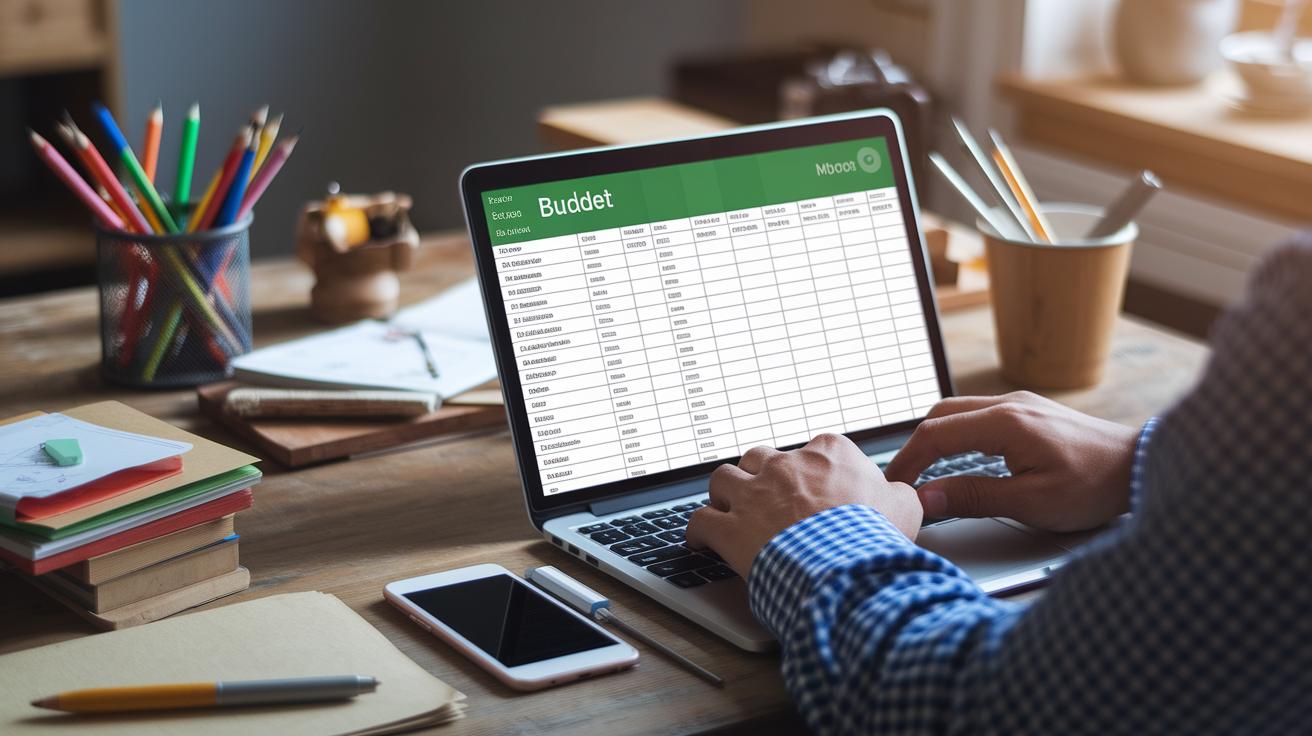
When you open the downloaded template, start by setting up your workspace. First, turn on editing and change the default project name to match your renovation. Then, update each section so it fits your home improvement plans.
- Turn on editing in the Excel file.
- Change the project title to your own project name.
- Edit or add cost categories that fit your renovation.
- Type in clear descriptions for materials, labor, permits, and contractor fees.
- Input the estimated cost for each item.
- Change the contingency percentage to suit your risk tolerance (usually 10%–20%).
- Connect each budget item to its matching task and save a separate version for each renovation phase.
Following these steps makes the template feel like it was built just for you. With every section customized, from detailed cost groups to the contingency area, you get a clear tool that acts as both a DIY budget planner and an expense tracker. This clear setup helps you monitor spending, adjust your estimates, and keep a close watch on your overall costs. Take your time with each step so you avoid mistakes and keep full control of your renovation finances.
Step-by-Step Guide to Tracking and Managing Home Renovation Expenses in Excel

Start with the Expense Log tab. Record every purchase as you make it. Enter the date, category, estimated cost, actual cost, and variance. This log works like a diary to help you keep track of every expense during your home renovation.
| Date | Category | Estimated Cost | Actual Cost | Variance |
|---|---|---|---|---|
| 04/15/2023 | Materials | $200 | $190 | $10 |
| 04/17/2023 | Labor | $500 | $520 | -$20 |
| 04/20/2023 | Permits | $150 | $150 | $0 |
Next, check the Summary Dashboard sheet. It uses built-in formulas and charts to compare estimated costs with what you actually spent. The visual charts show spending trends over time. This helps you see if you are on target or if you need to adjust your plan. By watching the remaining budget along with any extra costs, you can quickly spot potential overspending. This real-time view lets you change your spending strategy as needed and keep your renovation project on track.
Budgeting Strategies and Tips for Optimizing Your Home Renovation Budget Template in Excel

Start by weighing two budgeting approaches. With the top-down method, you set a total budget first and then break it down into specific expenses. The bottom-up method estimates each task's cost and builds the budget from there. This Excel template helps you plan your spending clearly and precisely from the start.
Invest in key trades such as electricians and plumbers to avoid costly mistakes later. For tasks like demolition or painting, which you can tackle yourself, you can save money. Think of this guide as your recipe for a great renovation, use quality ingredients where needed and balance your spending wisely.
Collect several written quotes to compare labor and material costs. Review your budget every week to catch any differences early. Regular checks help you adjust quickly and keep your project on track.
Advanced Excel Techniques to Enhance Your Home Renovation Budget Template

Boost your expense tracking using Excel’s smart tools. For example, set up conditional formatting to change a cell’s color when spending goes over your set limit. This quick visual check helps you catch overspending at a glance. Also, use data-validation drop-down menus to choose cost categories. This keeps your entries clear and uniform, whether you update expenses for materials, labor, or permits.
Next, create pivot tables to sort and review expenses by each renovation phase. These tables help you see spending trends as you work. Add real-time charts that update automatically as you enter new data. This gives you instant insights into your budget. For a hands-off approach, try using macros that compile monthly summary reports and merge data from multiple tabs. This turns a simple spreadsheet into a powerful tool for managing your project finances.
Final Words
In the action, we broke down essential steps for managing your home renovation project. We covered downloading the template, setting up its tabs, tracking expenses, and optimizing your budgets with real-time analysis.
This guide helped simplify planning and kept costs clear, so you can focus on completing your project safely and efficiently.
Keep moving forward confidently with the home renovation budget template (Excel) to turn your vision into reality.
FAQ
What does the free home renovation budget template Excel include?
The free home renovation budget template Excel is a complete workbook with separate tabs for kitchen, bathroom, laundry, and bedroom renovations. It provides fields for materials, labor, permits, contractor fees, and a built-in 10–20% contingency fund.
Can I download a construction budget template Excel for free?
The free downloadable construction budget template Excel offers a detailed expense tracker organized by cost categories. It helps you monitor expenses like materials, labor, permits, and contractor fees for construction projects.
Is a monthly budget template Excel free download available?
Yes, the monthly budget template Excel free download lets you track recurring expenses on a monthly basis. It is designed for managing home renovation and construction costs in a simple, organized way.
Do you offer a home renovation spreadsheet template for Google Sheets?
The free home renovation spreadsheet template for Google Sheets mirrors the Excel version with separate renovation tabs and detailed cost sections. It is easily accessible and compatible with Google Drive.
Where can I find a renovation budget template in PDF format?
The renovation budget template PDF is available as a printable guide. It offers a concise overview of home renovation costs, including line-item expenses and an integrated contingency section for accurate budgeting.