Ever wonder if a digital makeover can brighten your room? With just a few clicks, you can transform boring walls into vibrant, stylish designs. Room design apps let you try out different layouts, colors, and furniture choices without spending any money. They give you simple tools to sketch your ideas, preview changes in 3D, and see what your room could look like in real life. In this post, we explain how these apps help you turn design dreams into plans you can test before making any changes.
Redesign Room App Basics: What You Can Do with Virtual Room Makeovers
Redesign room apps are free online tools that let you try out ideas before you change your space for real. You can draw walls, add windows and doors, pick paint colors, and drag and drop furniture to see what works best. For example, add a window in the app to give your room a fresh, bright look.
Many of these apps also help you organize your space. Start with a simple 2D floor plan and then switch to a 3D view to check how things fit together. You can also use an augmented reality tool on your smartphone to see your design in your actual room.
Some apps let you upload a photo of your room, which then becomes the backdrop for your new design. They can even use AI tools to create floor plans from pictures or measurements. For instance, Planner 5D has a Smart Wizard that quickly makes a floor plan from your photo.
These apps let you experiment with different decor styles without any cost or commitment. Whether you want to try a bold color scheme or a new furniture layout, these apps make it easy and fun. One creative user said, "Redesigning my room virtually felt like painting on a digital canvas."
Top Redesign Room Apps Compared: Platforms, Features & Pricing
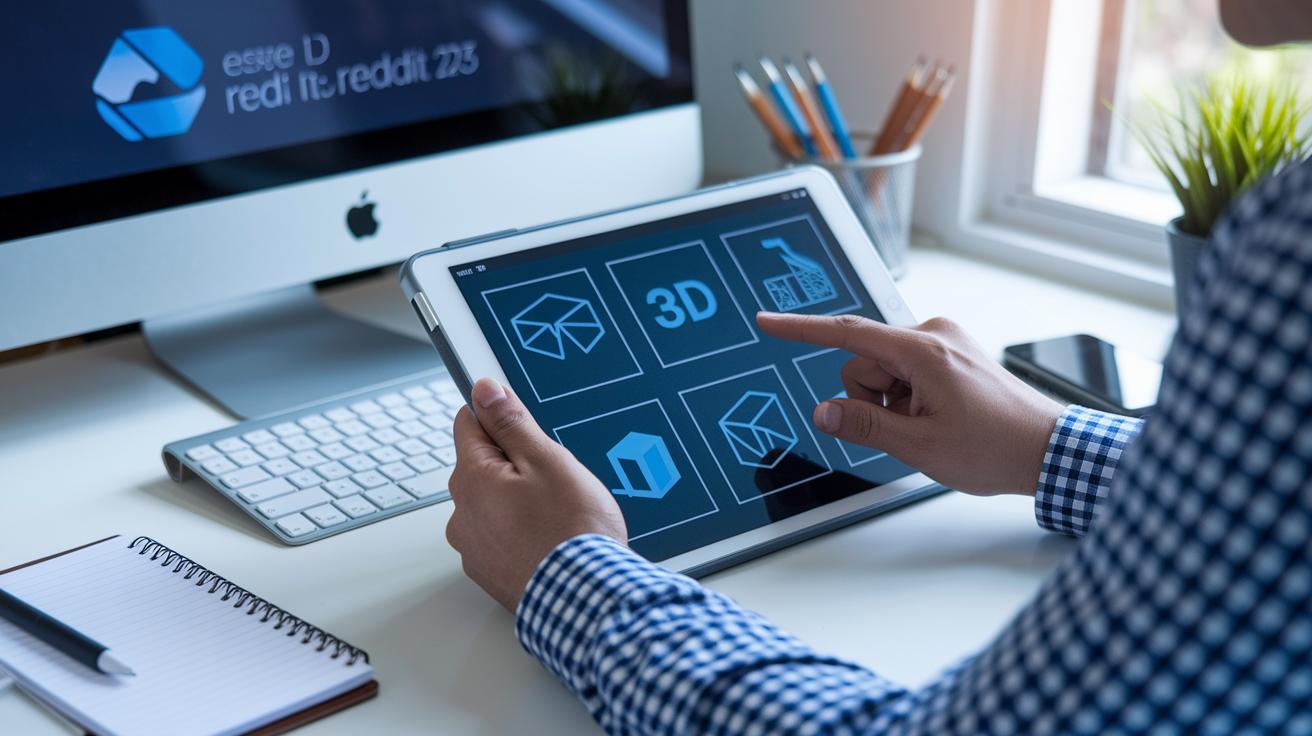
When you pick a digital makeover app, it's good to see what each tool does best. This guide shows you a clear look at supported platforms, top features, free versus paid plans, and starting prices. For example, if you want a tool that makes 2D, 3D, and VR layouts, Planner 5D might be the one for you. Fun fact: Planner 5D includes over 8,000 design items so you can mix and match endless decor ideas.
| App | Supported Platforms | Key Features | Free vs Paid | Starting Price |
|---|---|---|---|---|
| Planner 5D | iOS, Android, Web | 2D/3D layouts, 8,000+ items, VR walkthrough, AI home scanner | Free plan with limited furniture choices; upgrades available | Free (in-app purchases) |
| Homestyler | Web, iOS | 2D/3D floor plans, AI designer, social community, robust catalog | Freemium model; premium features unlocked with paid options | Free |
| Roomstyler | Web | 2D/3D plan creation, 3D photo preview | Free access | Free |
| Floorplanner | Web | 2D/3D projects, thousands of brand-name design objects | Five free projects; subscription needed for more work | $5/month |
| HomeByMe | Mobile, Web | Credit-based projects, stylish furniture, high-res downloads | Freemium with credit system for expansions | Usage-based |
This layout lets you compare what each app offers at a glance. If you're planning for a small space, you might like features such as easy 2D drafting paired with clear 3D views. Every app offers a mix of creative control and user friendliness. Taking the time to review these points can help you choose the perfect design app for your project and budget.
redesign room app: Brighten Your Space Today
Start your interior update with a digital tool that guides you through every step of your room makeover. This helpful app lets you create a virtual version of your space before you begin any work. Follow these easy steps to see your ideas take shape:
- Download the app or open it in your web browser. Many versions include quick tutorials to help you get started fast.
- Begin a new project by entering your room’s dimensions by hand or by using the camera or AI scanning tool. Getting the measurements right is key.
- Use the drag-and-drop controls to sketch your walls, partitions, and doors. This gives you a clear outline of your room.
- Add windows, fixtures, and other architectural details. Use preset room templates if available to speed things up.
- Try out different paint colors and flooring textures using the app’s sample options. This lets you experiment with different looks.
- Choose furniture and decor from the app’s catalog. You can move items around easily in both 2D and 3D views.
- Adjust colors, materials, and lighting until you are happy with your design. Use the AR mode to see how the changes might look in your actual room.
- Switch among 2D, 3D, and AR views. Checking from different angles helps you spot any details that may need improvement.
- Save your design and share it with friends or professionals for feedback. You can also export your final design to use as a guide when you start your project.
By following these steps, you can explore different layouts, styles, and colors with confidence, making your room brighter and more inviting.
3D Visualization & Augmented Reality in Redesign Room Apps
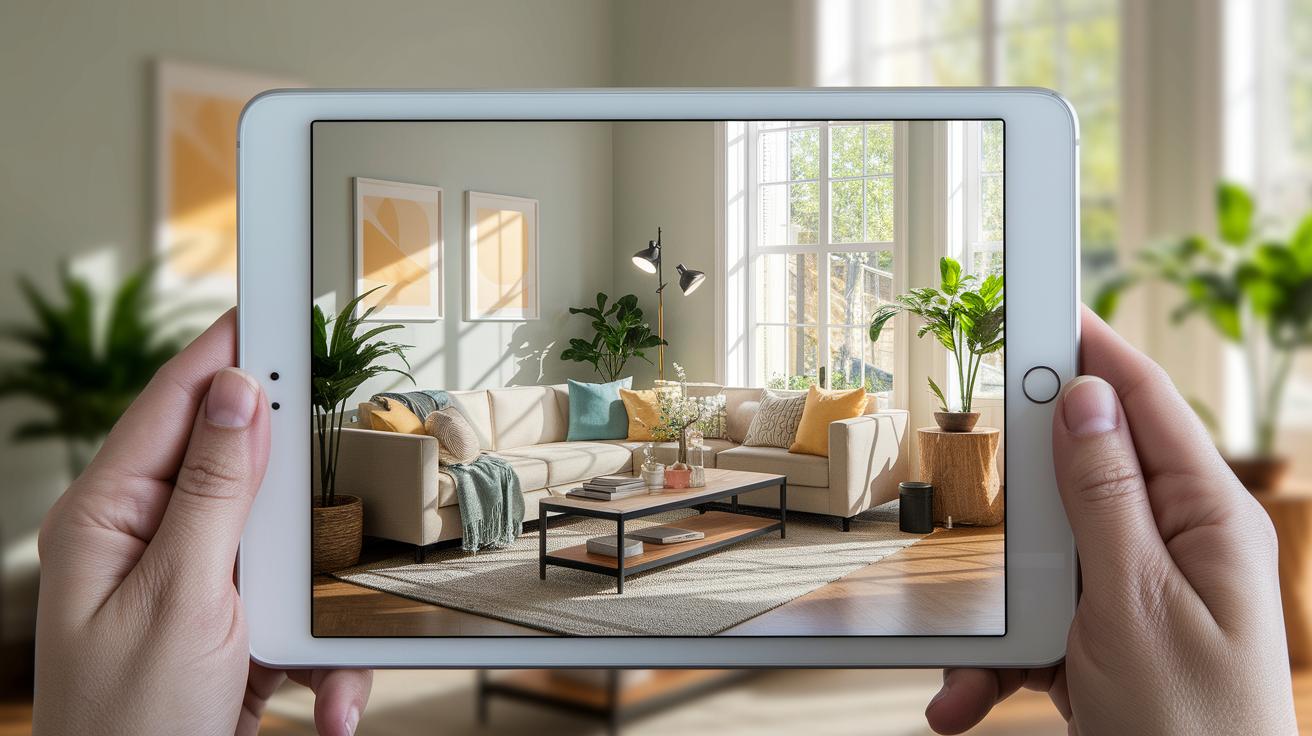
Redesign room apps let you view your space in a real-feel 3D model. These apps use 3D engines and augmented reality (AR) overlays to show you how your room might look with new designs.
A basic 3D visualizer builds a static model of your room. You can check the layout and furniture, although the lighting and shadows may seem flat. For example, Roomstyler offers a quick 3D photo preview that works well for simple checks.
For a more engaging view, VR walkthroughs offer an interactive tour. Planner 5D even includes an AI scanner that turns a photo capture into a detailed floor plan. This helps you see how different design ideas fit together in a lifelike setting.
Some apps let you place new furniture or décor live using your smartphone’s camera. Blop Home Pro uses a 360° camera and VR features so you can see every angle of your layout. EasyHome Homestyler delivers high-definition 3D images along with a large décor catalog to help you try different styles.
Most free plans include simple 3D rendering tools. But if you want photorealistic details like advanced lighting, shadows, and textures, you might need a paid subscription. Choose the app that fits your needs, whether it’s a quick visual check or a full immersive experience.
Personalizing Your Design: Customization & Decor Catalogs in Redesign Room Apps
Redesign room apps let you create a virtual space that feels like your own blank canvas. Many of these tools feature large decor catalogs filled with well-known brands like IKEA and Roca. For example, IKEA Planners shows only IKEA pieces so you can easily explore modern, minimalist styles.
Apps such as Cosentino Kitchen Planner allow you to test real materials. You can choose countertop samples and then order them once you like the look. Tools like EasyHome Homestyler and Blop Home offer extensive catalogs where you can view everything from updated sofas to classic dining sets in clear 3D. You can also try different paint colors, flooring types, and fabric samples to match your style.
Some apps offer advanced features that go a step further. KoziKaza, for instance, can convert your hand-drawn sketches into detailed floor plans. These plans can include furniture arrangements and even basic electrical layouts. You can upload custom textures or add product codes to match your existing decor. While free versions have fewer options, the professional tiers unlock thousands of textures and accessories for a more precise preview of your design.
For more ideas on arranging your space, consider checking out DIY home decor projects. Start with a bold splash of color, imagine a bright accent wall that brings warmth and energy into your living room.
Pricing Models & Device Compatibility for Redesign Room Apps

Today, many room redesign apps use different pricing plans to meet various budgets. They offer both simple and advanced design options. Most apps have a free plan that includes basic 2D layouts and simple 3D views. With the free version, you can try out drag-and-drop features and browse a smaller decor catalog.
You can upgrade to a paid plan to enjoy better rendering quality, a larger texture library, and extra AR (augmented reality) or VR (virtual reality) tools. For instance, Floorplanner offers a plan starting at $5 per month or $60 per year, which is very budget friendly. Foyr Neo requires a subscription at $29 per month after a 14-day free trial. Planner 5D and HomeByMe work on a credit system, so you only pay for what you use, whether it’s for a project or to access high-resolution downloads and more design elements.
All these apps work on iOS, Android, and web browsers. Some advanced features, like AR scanning and VR walkthroughs, depend on your device. They may need iOS 13 or newer, Android 8 or above, or a modern web browser. Always check your device specs to make sure it is compatible with your chosen app.
Expert Recommendations & User Reviews of Redesign Room Apps
Experts say Planner 5D has smart built-in AI and VR support. These features let you walk through your design as if you were really there. Many users like its true-to-life 3D views. However, keep in mind that the free plan gives you fewer furniture choices.
Homestyler is a favorite among design fans. Its AI designer and easy social sharing tools receive many high marks. Still, some users note that the free catalog does not have as many options.
Roomstyler is known for giving you full control over your floor plan. This makes it easy to fine-tune layouts. Professionals trust its precision for detailed room renders.
Floorplanner wins praise for its quick 2D layouts, which help with fast planning. It is also useful for seeing well-known furniture brands in your design. Just be aware that the free version limits the number of projects you can start.
HomeByMe stands out with high-resolution outputs. Users say it gives a polished look to virtual room makeovers, which is great for project reviews.
Magicplan is noted for its clear measurement overlays and accuracy. It takes a bit more time to learn, so professionals suggest you try the free tier before thinking about a paid upgrade.
Final Words
In the action, this guide shows how redesign room app tools let you visualize, plan, and tweak your living space quickly. We explored virtual makeovers in 2D and 3D, hands-on steps for accurate measurements, and even AR modes for a lifelike feel. The app reviews and pricing details help you pick the right tool to manage budgets and timelines. Enjoy testing different layouts as you build confidence to tackle your home projects safely and affordably. Happy planning!
FAQ
How can I get a free redesign room app and download it?
The free redesign room app lets you make changes to your room with easy-to-use tools. You can download it from the App Store or Google Play without paying for basic features.
Are there redesign room apps for iPhone and Android devices?
Redesign room apps are available for both iOS and Android. They offer similar design features such as 2D plans and 3D renders to help you visualize your space.
Where can I find free AI room design apps?
Free AI room design apps use smart tools to create room layouts. They often let you import photos and apply basic 3D renderings without needing any subscription fees.
What is the best free app for arranging furniture and designing a room?
The best free app for furniture arrangement features an intuitive drag-and-drop interface and a large decor catalog, allowing you to experiment with various layouts easily.
Can I take a picture of my room and redesign it using a free app?
Some apps let you capture a room photo and then apply AI tools to redesign it. This feature helps you see different furniture arrangements and design styles directly on your space.
What is the best AI room makeover app?
The best AI room makeover app uses smart scanning and design recommendations, offering realistic previews and layout ideas in both 2D and 3D to inspire your room changes.
Can ChatGPT redesign a room?
ChatGPT can suggest ideas and provide advice on room design, but it does not create visual layouts like dedicated room redesign apps can.
What features do the Homestyler and Room GPT apps offer?
Homestyler and Room GPT provide tools for creating 2D/3D floor plans and photo previews. They let you experiment with furniture placement and decor options for your room.
Which app stands out for decorating a room?
Top-rated apps for room decoration offer realistic decor catalogs and user-friendly interfaces. They let you mix and match colors, textures, and furniture to create a personalized look.