Have you ever thought about giving your room a complete makeover without even leaving your home? With online design tools, you can mix and match layouts and colors right on your computer. Tools like Canva Whiteboards or Planner 5D let you drag and drop items while showing clear measurements (like 24 in or 61 cm), so even if you’re just starting out, you can plan with ease. This guide helps you use these online tools to create a space that truly fits your style.
How to Redesign Your Room Online: A Complete Step-by-Step Guide
Start by choosing a design platform that fits your needs. Many people prefer tools like Canva Whiteboards or Planner 5D. These websites let you drag and drop elements and use an endless workspace. You can easily build layouts, add walls and windows, and create scaled diagrams that show a bird’s-eye view of your room.
Before you begin, measure your room. Note the length of each wall, and mark where doors and windows are located. Write down the ceiling height and any other details. Accurate measurements help ensure your online design matches your actual space and prevents mistakes when you plan furniture or renovations.
- Pick a platform (for example, Canva Whiteboards or Planner 5D).
- Enter your room’s measurements to create a basic layout.
- Use the drawing tools to add walls, doors, and windows.
- Drag and drop furniture and décor from the tool’s library.
- Save and share your design, and use any feedback to improve it.
Use the pre-designed templates that many of these tools offer. You can experiment with different styles, such as studio layouts or eco-friendly designs. Play with color palettes and textures to see what fits your room best. Collaboration features, like sharing a link or editing in real time with friends or family, can make the process even easier. This way, you can see changes before making any physical updates to your room.
Redesign your room online: Bright Ideas Ahead

Revamp your space from your computer with smart design apps that bring your ideas to life. These tools let you try different looks and see how they work in real time. They work well for both beginners and those with more experience. Whether you want a quick refresh or complete 3D planning, there is an option for every need.
| Tool | Key Feature | Price Model | Platforms |
|---|---|---|---|
| Planner 5D | AI scanner | Free + Paid | Web, iOS, Android |
| Homestyler | Social sharing | Free + Paid | Web, iOS, Android |
| Roomstyler | Instant 3D preview | Free | Browser |
| Floorplanner | Branded objects | Free + $5/mo | Web |
| HomeByMe | Stylish library | Free + Credits | Web, iOS, Android |
| Foyr Neo | High-res renders | Trial + $29/mo | Web |
| Magicplan | Project hub | Free + Paid | iOS, Android |
If you like keeping things simple, try Roomstyler or Floorplanner. These tools let you change layouts with ease and without overwhelming extras. They are a good match for hobbyists or anyone looking for a fun, quick design fix.
For design pros and contractors, Foyr Neo or Magicplan may be the better choice. They give you detailed renderings and strong project management features that work well for client projects and in-depth planning.
Planner 5D and Homestyler share cool features like AI scanning (which automatically reads your room details) and social sharing. They strike a neat balance, making them ideal for both casual users and design experts.
For more inspiration, check out our resource tips on bedroom makeover ideas.
Customizing Layouts and Décor in Interactive Room Transformation Software
Customization helps turn your digital design into a true expression of your style. It lets you try out different design ideas, like wall colors, textures, and furniture arrangements, without any permanent changes. You get a flexible canvas to experiment with and see what fits best for your space. Plus, with over 3 million free stock photos and graphics, you'll always have fresh ideas to explore.
Real-time collaboration means you can share your design with family or friends and work together to refine your vision. The interactive tools make planning fun and straightforward, especially when you’re brainstorming with others.
- Color palette and texture swaps
- Furniture resizing and rotation
- Custom media uploads (images, graphics)
- Layer control for walls, décor, and fixtures
- Real-time team annotations
- Template edits for themed layouts
These features let you adjust every detail of your design. Whether you’re trying a bold new wall color or rethinking your layout with a pre-designed template for a studio or eco-friendly setup, you have the power to fine-tune your plan. With detailed adjustments and team collaboration, your digital blueprint takes a big step closer to matching your real-world vision.
Pricing Tiers for Digital Home Renovation and Free Virtual Styling

When choosing a digital renovation platform, think about how big your project is, what extra tools you might need, and how much you want to spend. A free digital makeover tool can be perfect if you're updating just one room. For larger projects, you might want upgrade simulation tools that give you more options.
- Roomstyler: Enjoy unlimited free projects.
- Floorplanner: Start with 5 free projects, then paid upgrades begin at $5/month.
- Planner 5D: Use free basic features and add extra options with paid plans.
- HomeByMe: Get free access with the choice to buy extra credit packs.
- Foyr Neo: Get a professional subscription for $29/month.
Pick the plan that fits your project size and the tools you need.
Real-Life Results: User Testimonials and Digital Makeover Case Studies
Social proof matters when you redesign your room online. Real stories show that interactive home revamp tools can spark creativity and build trust. When people share their experiences, it makes it easier to imagine turning your ideas into reality. Successful projects prove that a refresh can be both creative and practical.
• Sarah redesigned her 10×12 in (25×30 cm) bedroom using Planner 5D. Her shareable 3D tool sped up the process, and she finished buying new furniture 15% faster.
• The Acme Co. team reworked their open-plan office with Canva Whiteboards. Working together in real time cut layout errors by 70%.
• Freelancer John used Foyr Neo to create detailed walkthroughs for his clients. His engaging presentations helped him secure 3 new projects in one month.
These examples show how digital makeover tools can inspire your interior design. Whether you are a DIY fan or a professional, careful planning with virtual tools can bring quick decisions, better layout accuracy, and a smoother process. Use these success stories as a guide to choose the right design tool for your next home project.
Tips and Best Practices for a Smooth Online Room Redesign
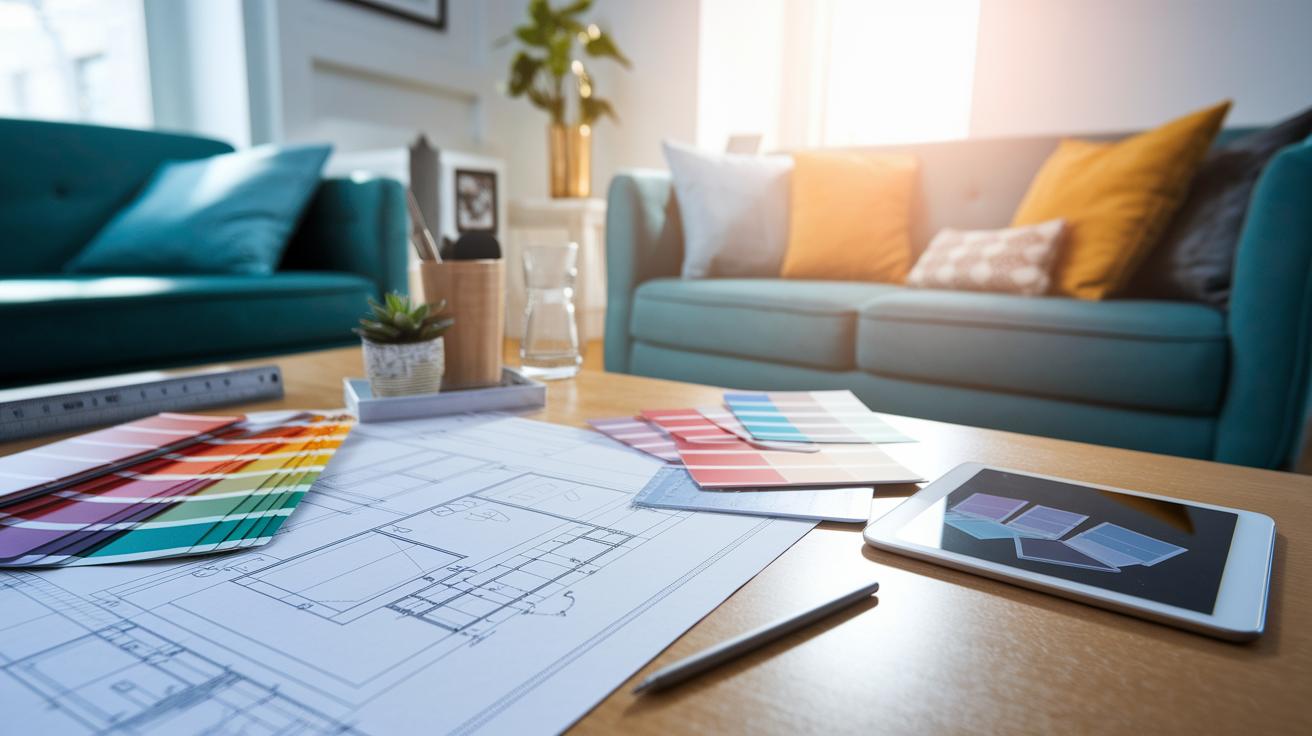
Start your online room redesign with a clear plan. Planning ahead keeps your ideas organized and helps you use digital tools like space planners and decor simulators for a true virtual upgrade. Follow these simple steps to keep your design on track:
- Accurate measurements – Measure your room twice to be sure your scale is right.
- Defined functional zones – Divide your room into areas for living, work, and rest to improve flow.
- Color-testing on small areas – Try small swatches before painting an entire wall to avoid mistakes.
- Media library organization – Sort your digital files and images so you can find them quickly.
- Frequent project backups – Save your work in different versions and use backup links to protect your progress.
Keep these tips in mind, and plan ahead to create a digital room design that fits your daily life perfectly.
From Virtual Blueprint to Real-World DIY Execution
Your digital design is more than just a picture on a screen. It is your step-by-step guide that helps bring your room makeover to life. Export a 2D floor plan to share with contractors and suppliers. This makes getting accurate material lists and quotes much easier.
Use online color palette tools to choose matching paint and fabric. They ensure your room looks well coordinated. Printable templates act as clear guides for cutting wood or applying wall decals, so you have less guesswork. Check your furniture mock-ups to plan placement and make sure your ideas will work in the space.
- Export scaled floor plans for contractors
- Select paint codes from digital swatches
- Order furniture using accurate mock-ups
- Print cutting guides for custom builds
- Review before/after photos for final tweaks
By following these steps, you create a smooth workflow from design to installation. With the help of digital tools and a little DIY effort, you can confidently turn your virtual plans into a beautifully updated room.
Final Words
In the action, you followed a clear plan to choose a platform, gather room measurements, and execute each step with confidence. We broke down the process into easy chunks, from selecting tools to customizing layouts and handling cost options.
The guide shows that with the right steps and a bit of planning, you can redesign your room online without surprises. Enjoy the process and celebrate your progress as you turn your virtual plans into real-world success.
FAQ
How do I redesign my room online for free with no sign up?
Redesigning your room online free with no sign up means you can use platforms like Roomstyler or Planner 5D that offer free-entry tools without requiring an account, letting you quickly experiment with different layouts.
Which online tools offer free 3D room design?
Free 3D room design tools, such as RoomSketcher and Roomstyler, allow you to create realistic, interactive models of your room, helping you visualize space with detailed 3D previews and drag-and-drop interfaces.
What features does a room planner app provide?
A room planner app provides digital tools to create floor plans, add structural elements, and arrange furniture. Many apps also include measurement accuracy and interactive templates to simplify design.
How do AI design tools enhance room planning?
AI design tools in room planning use machine learning to suggest layouts, style options, and décor, making it faster and easier to experiment with personalized design ideas that match your taste.
What popular apps are available for online room redesign?
Popular apps include Home Planner for layout creation, RoomGPT for AI-driven ideas, RoomSketcher for detailed previews, Planner 5D for interactive design, and Homestyler for a game-like home design experience.