Have you ever thought that new technology could solve your design problems? Using AI to redesign a room is not just a trend, it gives you smart ideas that bring a fresh style to your space. Imagine a tool that scans your room and suggests layout ideas that match your taste, all without any guesswork. In this post, we explain how AI changes room makeovers with clear guides and live visuals. Soon, you'll see your room from a whole new perspective.
How AI-Driven Redesign Transforms Room Makeovers
AI makes it simple to refresh a room by using your room’s size, design styles, and personal taste. It checks the space and suggests the best furniture layout. For example, you can enter your room’s layout and get a design that fits your style and uses every inch of space well.
It even changes your room photos into editable plans. The tool spots architectural features automatically, so you don’t have to guess measurements. It mixes good looks with practicality, making the redesign process clear and fast.
Key features include:
- Smart Wizard for guided furniture placement
- Design Generator with various style options
- AI Floor Plan Recognition that turns photos into plans
- Real-time 3D renders showing textures and lighting
- VR/AR walkthroughs for an immersive look
Together, these tools streamline your room update. They spark creative ideas while keeping details accurate, so you can try different layouts and decor styles. With these smart features, you can confidently modernize your space to reflect your unique personality.
Selecting the Best AI Tools to Redesign Room with Artificial Intelligence

Choosing the right AI tool depends on how you like to work, your budget, and the image quality you want. Some tools are best when you use text prompts and choose a style, while others work best when you upload a clear photo or a sketch. Think about whether you want a quick guide or a detailed design process. Matching these factors with your goals will help you redesign your room with modern digital tools.
| Tool | Input Method | Pricing |
|---|---|---|
| VisualizeAI | Text prompts + style pick | 3 free → $19/mo |
| RoomsGPT | Upload photo + descriptor | Free limited, upgrade tiers |
| HomeVisualizerAI | Sketch & text inputs | 3 free → $12/mo |
| Planner 5D | Photo upload & manual edit | Basic free, paid $5–$20/mo |
Compare what you need with the strengths of each tool. VisualizeAI is a good pick if you enjoy creative text inputs and style choices. RoomsGPT works well if you lean on images to spark your design ideas. HomeVisualizerAI creates photorealistic results by combining sketches with text, while Planner 5D offers an easy-to-use editor for 2D, 3D, and VR along with a huge library of furniture. Pick the one that best fits your project size and style to achieve a fresh room makeover with ease.
Step-by-Step Process to Redesign Room with AI Tools
Get your room ready for a smart design update. First, gather your tools and measure your room so every detail is captured. Clear photos from different angles also help you get it right.
- Measure your room. Write down the length, width, and height. Mark where windows and doors are. Use a tape measure and a notepad for accuracy.
- Take photos in natural light. Shoot images from several angles so you capture all parts of the space.
- Upload your photos to an AI Floor Plan Recognition tool. This tool turns your images into editable 2D or 3D layouts.
- Use the Smart Wizard for basic furniture setup. It suggests where to place items based on the room’s purpose.
- Try out various themes with the Design Generator. Enter different style prompts to see new color schemes and decor ideas.
- Review your design in 3D or VR. Walk through your virtual room to see how colors, lighting, and finishes look. Adjust them until they match your vision.
Remember to make small, thoughtful tweaks along the way. Check your measurements and style choices often to ensure your room reflects your needs perfectly.
Preparing Your Room Data for AI-Powered Redesign
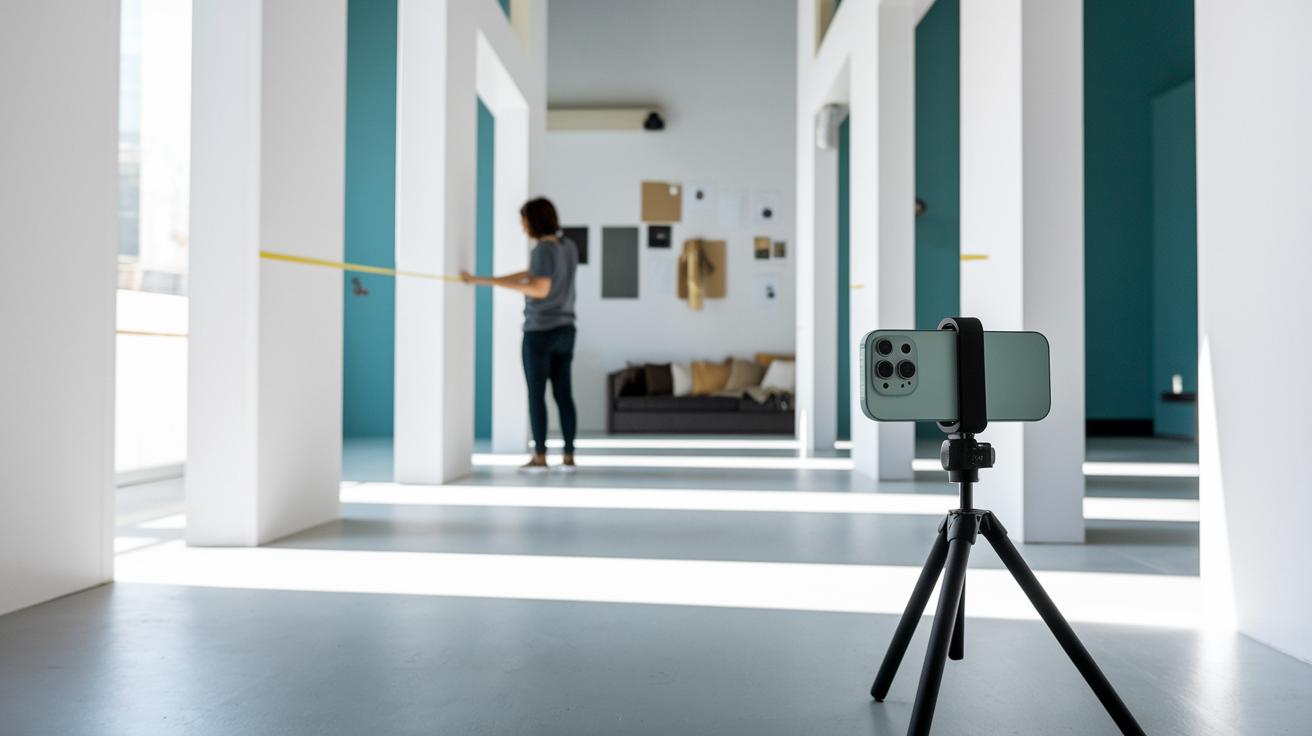
Measure every part of your room carefully. Use a tape measure to check the length, width, and height. Also note the size of windows, doors, and any built-in features. For best results, measure each wall and window twice. This helps avoid errors and sets a strong base for your layout.
Take clear photos of your room from several angles. Use natural light to show off key areas. A high-resolution camera or modern smartphone works well. Try taking pictures in mid-morning when the sun lights up the room evenly. Good lighting and different views help the AI create accurate 2D or 3D floor plans.
Create a mood board to share your style ideas. Gather images that show your taste, whether it's modern, rustic, or industrial. Write a short note for each image to explain why you like it. For example, match a clean room design with a simple mood board. These clear visuals and notes help the AI capture the look you want.
Visualizing and Refining AI-Generated Room Designs
Use VR or AR walkthroughs to check how your design feels. Step into the digital space and look at the textures, shadows, and layout. Notice if a seating area feels too tight or if a light casts uneven shadows. For example, if you see a textured wall with dark spots, adjust the light to balance it.
Next, fine-tune your plan by changing colors, furniture placements, and lighting. Try swapping furniture items or tweaking paint shades and fabric choices. For instance, compare a cool tone with a warm corner to see if the light creates a balanced depth. These careful adjustments build on your virtual walkthrough and help create a welcoming room design.
Budgeting and Upgrading AI Tools for Room Redesign

Free AI tool versions work well if you just want to try things out. However, they often limit you with restricted exports and a fixed number of renders. You might also miss out on advanced features needed for detailed changes. In contrast, paid plans provide high-resolution exports, more design variations, and premium tools that boost your project. Basic free tools might be fine for early design work, but as your project grows, a stronger toolset becomes necessary.
Paid options come in many price ranges. For example, VisualizeAI costs $19 per month, HomeVisualizerAI offers plans at $12 monthly, and Planner 5D provides tiers from $5 to $20 per month. Some platforms, like Decorilla, charge $75 per hour for AI-pro support, while Foyr Neo charges between $59 and $159 monthly and DecorMatters starts at $9.99 after a trial. If you need more flexibility or better collaboration features, consider credit-based or tiered subscriptions from providers like Palazzo, Collov, REimagine Home, or Spacely, with prices ranging from $14 up to enterprise-level pricing.
Before-and-After Case Studies Redesigning Room with AI
AI transforms spaces fast by looking at room size and design preferences. It creates smart layouts that mix style and function, cutting planning time and boosting usability. Two examples show clear benefits with measurable results.
Studio Apartment Transformation
A small studio apartment faced tight space and little natural light. The AI reviewed the room layout and suggested splitting the area into separate zones for living, sleeping, and working. An accent wall defined each zone, and modular furniture offered flexible seating and storage. This approach reduced planning time by 40%. The redesigned space now feels larger, efficient, and inviting.
Living/Dining Area Optimization
An open living-dining area originally felt crowded and had uneven lighting. The AI stepped in and rearranged the furniture to improve traffic flow, adding lighting tweaks to balance the space. The updates boosted usability by 30% and improved the overall flow with both natural light and well-placed fixtures. Now the area feels open with clear zones for different activities that enhance comfort and function.
Final Words
In the action, this guide walked through how AI-driven tools simplify style choices, provide real-time previews, and help you plan every detail carefully. We showed you how to prepare room data, compare leading design tools, and budget for upgrades. Each section built on previous steps to give you confidence while you redesign room with ai.
Every tip and case study helps you achieve smart, efficient makeovers that work perfectly with your space. Enjoy bringing your vision to life safely and on schedule.
FAQ
What free online AI tools let you redesign your room without needing to log in?
Free online AI room design tools let you experiment with layouts and decor. They use machine learning to generate realistic designs and suggest furniture placements, often without requiring a login.
How does Room GPT provide free AI-based room design?
Room GPT offers free AI-generated design ideas by analyzing room photos and style cues. It produces interactive layouts and visual variations, letting you see different design possibilities at no cost.
What can I expect from the best free AI room design options online?
The best free AI room design options provide user-friendly interfaces with guided furniture placement, multiple style suggestions, and realistic 3D renders to help you visualize and plan room makeovers effectively.