Have you ever noticed your Dremel tool can do so much more than you think? With a range of handy attachments, this versatile tool lets you work with glass, metal, stone, and other materials. Our guide walks you through each accessory and shows what it does best. You’ll learn how to choose the right bit to carve, cut, or polish with care. Get ready to boost your DIY projects by turning your trusty tool into a multi-tasking helper.
Overview of Dremel tool attachments and their uses
Attachments are extra parts you add to your Dremel tool for different tasks. They let you work on various materials like glass, metal, or stone. With the right attachment, you can drill, carve, cut, or polish with ease. Knowing what each accessory does helps you pick the perfect tool for accurate work.
| Attachment Type | Material/Use | Variants |
|---|---|---|
| Diamond Drill Bit | Glass/Stone | 1 mm, 2 mm, 3 mm… |
| Cutting Wheel | Metal/Plastic | Thin, reinforced |
| Pebble Drill Bit | Stone/Beach pebbles | Standard sizes |
| HSS Drill Bit | Metal | Standard diameters |
| Carbide Drill Bit | Hard metals | Precision sizes |
| Core Drill | Ceramic/Stone | 1–3 mm to 3.5–65 mm |
| Stone Carving Burr | Rock/carving | Sintered, vacuum-brazed |
| Glass Engraving Burr | Glass | Fine, coarse |
| Polishing Pad | Metal/Plastic | Hand, rotary |
| Felt Polishing Wheel | Metal/Plastic | Various sizes |
| Diamond Grinding Wheel | Metal/Stone | Standard, reinforced |
| Dust Blower | Accessory cleaning | Handheld, built-in |
Selecting Dremel tool attachments for project compatibility
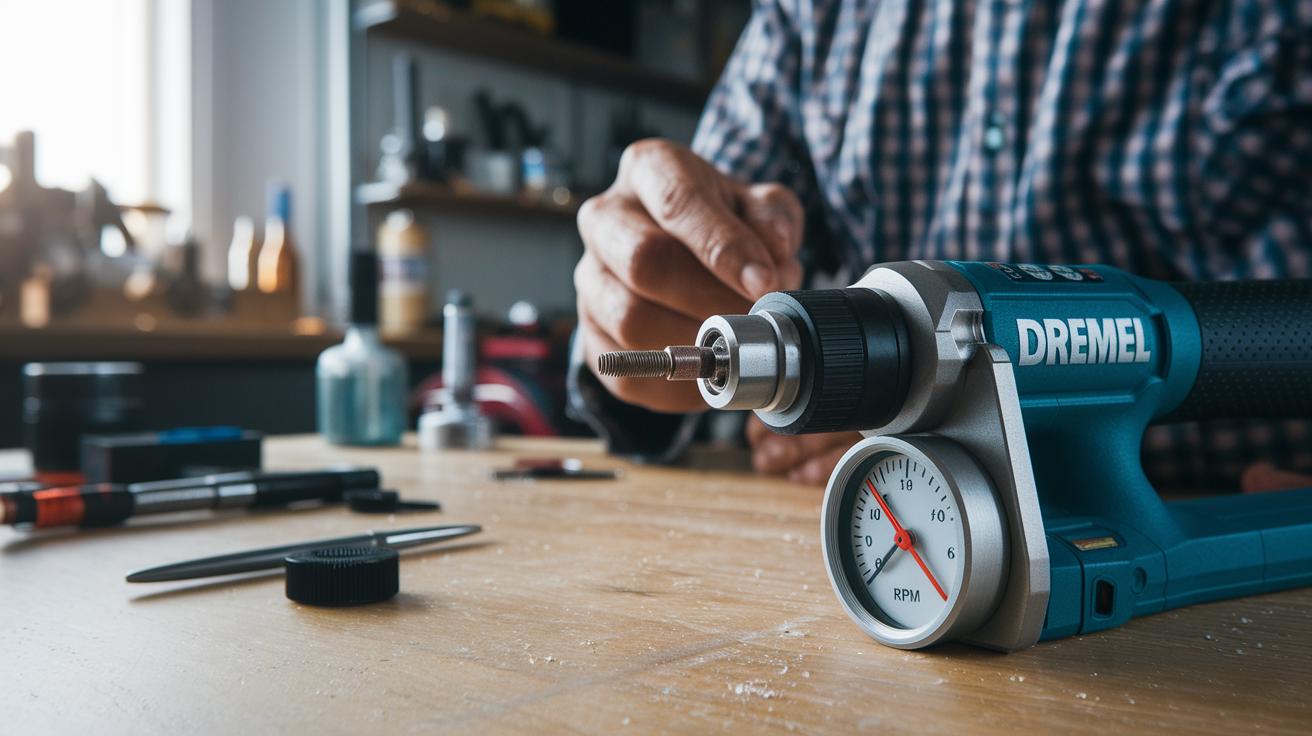
First, check your tool model and collet size before mixing attachments. Most Dremel tools use accessories that match a 1/8 in (3.2 mm) shank or collet. Different tool series, such as the 200–300 versus the 4000, have their own requirements. Also, consider the RPM (rotations per minute) rating of your tool. For some attachments like the Multi Chuck, you can use bits ranging from 1.6 mm to 3.2 mm. Using the right attachment and collet size makes sure your bit fits securely and works well.
Next, pick a bit design that suits the material you are working on. Hard materials need stronger bits, and softer materials do best with a smoother, finer design. The bit’s shape determines how fast it wears and how quickly you can work without causing damage. You can use coupling adapters to attach mandrels for discs and wheels, which helps them run correctly on different materials.
- Verify the collet diameter and check your tool series.
- Confirm the bit’s RPM rating fits your tool’s speed range.
- Choose the right arbor or mandrel for discs and wheels.
- Match the bit shape to your project type (engraving, carving, or grinding).
Installing and safely operating Dremel tool attachments
Mounting your Dremel attachments correctly keeps you safe and makes the tool work well. First, check that your voltage and plug type match your region. If you change bits often, use a Multi Chuck.
- Unplug the tool and engage the blue spindle lock.
- Insert the bit or mandrel into the collet.
- Tighten the collet nut firmly. (Do not over-tighten, especially with brittle cut-off discs.)
- Start at a low speed of 5,000 RPM.
- Gradually raise the speed while watching how the material reacts.
- Always power off the tool before removing or changing attachments.
Tip: Wear eye protection and a dust mask.
Tip: Secure your workpiece with a clamp.
Tip: Keep loose clothing and hair away from the spinning tool.
Tip: Use a guard or shield when available.
For extra help, refer to the power tool safety checklist for beginners at https://alphapix.org?p=344.
Dremel tool attachments for cutting, grinding, sanding, and routing
Cutting and Drilling Attachments
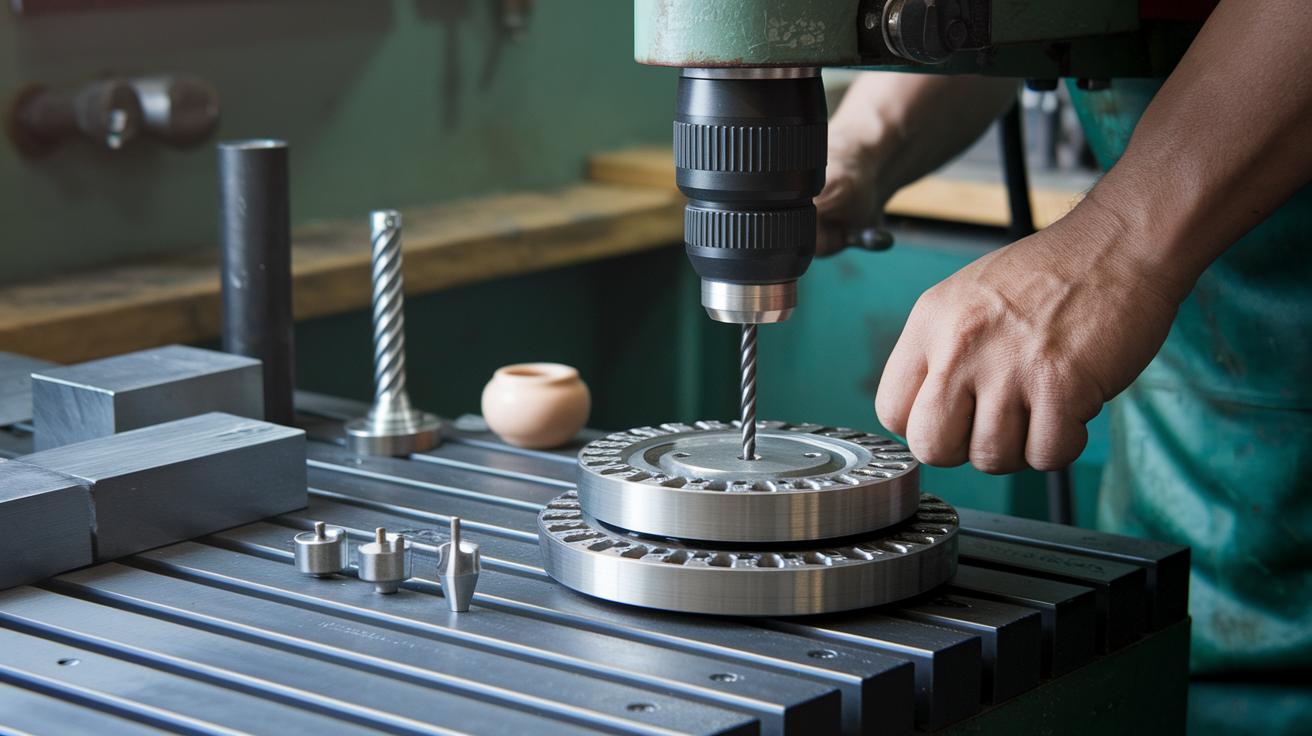
For cutting and drilling, use reinforced cut-off wheels and diamond drill bits. These tools work on metal, ceramics, and plastics. They come in sizes from 1 mm to 65 mm. Always start at a low speed and use steady pressure. This minimizes vibration, makes your cuts precise, and helps protect both the bit and your workpiece.
Grinding and Carving Burrs
When you need to shape materials, choose the right burr for the job. Use carbide burrs for hard materials and stone burrs (like sintered or vacuum-brazed types) for softer rocks or carving tasks. Keep your tool within the recommended RPM range and apply moderate pressure. This method gives you smoother material removal and keeps the burr in good shape longer.
Sanding Drums and Discs
Sanding drums and discs are ideal for finishing wood and soft plastics. Pick the proper grit level for the surface you're working on. Secure the drum or disc firmly during installation to avoid unwanted marks. Maintain controlled speeds while sanding to achieve a smooth, even finish with minimal dust and surface damage.
Routing Cutters
Routing cutters make neat grooves in wood, PVC, and soft metals. You can choose between straight or round-nose bits based on the profile you need. Use a plunge cutting technique with shallow passes to slowly reach your desired depth. Using a consistent feed speed and the proper bit diameter helps you create clean and accurate channels.
Polishing, engraving, and carving with Dremel tool attachments
Engraving Burrs
When working on glass, metal, or ceramics, start at 10,000 RPM for crisp, fine lines. Use glass engraving burrs to create delicate etching details. Hold the tool steadily with both hands and set your workpiece on a flat surface. For example, try etching a simple pattern on a glass pendant. If the material heats up or the design looks off, lower the speed gradually.
Carving Bits
For carving wood, soft plastics, or even hard materials with light work, use wood carving burrs or carbide bits. Begin with shallow passes to shape the material gently and avoid mistakes. Clear away debris often with a soft brush so you can see your work clearly. For instance, when carving a wooden ornament, start with light strokes and deepen the cuts slowly to form smooth contours.
Polishing Wheels and Compounds
To achieve a mirror finish on metal, plastic, or ceramic, use felt bobs and polishing wheels. Set your Dremel to 5,000–8,000 RPM to protect the surface. Begin with a coarse compound to smooth out rough spots, then switch to a fine diamond paste for a high shine. Wipe the wheel frequently to remove any residue and check it for wear. Replace the wheel if needed to keep your finish consistent and bright.
Maintaining and troubleshooting Dremel tool attachments

Keep your tool working well with regular care. Check your attachments at every use. Clean worn grinding wheels with dressing or truing tools to smooth them out. Use a dust blower or a soft brush to clear away debris that can upset the tool’s balance. Always inspect the collets, mandrels (the small shafts that hold bits), and arbors to spot wear early and avoid surprises during your projects.
If you see any wobbling, feel extra heat, or hear unusual chatter when your tool runs, stop right away. Loose collets can lead to uneven speeds and vibrations, and too much heat may mean the bit is overworked or not set up correctly. Let any heated parts cool down before you continue. Tighten all connections and look for signs of damage to keep the tool rotating smoothly and safely.
Replace any attachments that show clear wear. If cut-off discs, sanding sleeves, or similar parts shrink to less than 75% of their original size or look smooth from wear, swap them out. Bent mandrels, worn arbors, or damaged collets are also good reasons to get new parts. Ordering replacements as soon as you see these issues will help keep your tool safe and reliable for every DIY project.
Project-based Dremel tool attachment recommendations
Choose the right attachment for your project to work with precision and ease. Using the proper accessory makes your work simpler and your results better.
For drilling beach pebbles and sea glass, use a diamond bit. Set your Dremel to 8,000 RPM. This bit cuts through hard surfaces while keeping details intact. Hold the tool steady to get clean, sharp edges.
When carving wooden ornaments, opt for a carbide burr. Work on softwood at 10,000 RPM for smooth cuts. The burr shapes curves and intricate details well. Use gentle, careful passes to refine your design.
For creating grooves in PVC inlays, use a routing cutter. Operate at 7,000 RPM. The cutter makes neat channels as you guide it evenly. Keep a steady pace for precise results.
To polish jewelry, use felt wheels with diamond paste. Run your tool at 5,000 RPM to build a shiny finish on metals and plastics. The felt wheel removes scratches gently and the paste enhances the shine.
Final Words
In the action, you learned to choose, install, and operate a variety of Dremel attachments safely. We broke down proper matching of bits, careful installation, and practical techniques for cutting, carving, and polishing. You also explored maintenance tips and project ideas that save time and avoid costly mistakes. This article serves as a handy, step-by-step Dremel tool attachments and uses guide to build skills and finish projects with confidence. Happy DIYing!
FAQ
Where can I download free PDF guides for Dremel tool attachments and bits?
The free PDF guides are available on our website. They provide complete details on Dremel tool attachments and bits along with practical tips for choosing and using each accessory.
What are the pink Dremel bits for?
The pink Dremel bits are intended for carving and engraving softer materials like wood and plastic. They deliver fine, controlled detail work for artistic and precision applications.
What are the blue Dremel bits for?
The blue Dremel bits are designed for tougher tasks such as cutting and grinding harder materials. They offer durability and efficiency for projects on metal, ceramic, or other rigid surfaces.
What can you do with a Dremel tool?
The Dremel tool lets you perform multiple tasks including cutting, grinding, sanding, routing, carving, engraving, and polishing. It is a versatile solution for a broad range of DIY projects.
How do you attach Dremel accessories?
Attaching Dremel accessories involves unplugging the tool, engaging the spindle lock, inserting the accessory into the collet, and tightening the collet nut securely. This approach ensures safe and effective use.
What is the Dremel Sanding/Grinding Guide Kit A576 used for?
The Dremel Sanding/Grinding Guide Kit A576 is used to provide a stable guide during sanding and grinding tasks. It helps maintain consistency and safety while shaping and finishing materials.
What is the Dremel Workstation 220-01?
The Dremel Workstation 220-01 offers an organized work area. It securely holds your tools, attachments, and project materials, making setup and cleanup more efficient for DIY tasks.
What is included in the Dremel Corded Rotary Tool Kit?
The Dremel Corded Rotary Tool Kit includes a dependable rotary tool along with a variety of attachments and safety accessories. It supports a wide range of tasks like cutting, grinding, and sanding.
What is the Bosch Dremel 26150561ja multifunction tool attachment?
The Bosch Dremel 26150561ja multifunction tool attachment offers versatility across various tasks. It adapts to multiple Dremel models, enhancing your tool’s capabilities with additional functionality and precision.
What is the Dremel Plunge Router Attachment?
The Dremel Plunge Router Attachment lets you create precise grooves and intricate designs in wood and plastic. It is engineered for controlled, plunge cutting, which delivers detailed and safe routing results.
What is the Dremel 231 Shaper Router Table used for?
The Dremel 231 Shaper Router Table provides a stable platform for your rotary tool. It enables accurate routing and shaping, ensuring safety and precision during detailed project work.