Have you ever had a project ruined by a bad measurement? A laser measuring tool can give you accurate results when you use it correctly. In this guide, we will show you how to set up your tool, aim it well, and keep it steady for reliable readings. Follow these simple steps and you will turn confusing numbers into clear, dependable results. Get ready to use your laser tool so that every measurement is spot-on.
Mastering Accurate Measurements with a Laser Measuring Tool
Laser measuring tools work by timing how long it takes for a beam of light to travel to a target and back. When you press the button, the device sends out a laser and quickly records the time for its return. This fast reaction gives you exact lengths, areas, and even volumes. For instance, models like the Mileseey P9, G2, and M120 give reliable readings when you line up the emitter with the target edge and aim at a solid surface.
- Place the device on a firm, stable surface.
- Point the laser at your measurement target.
- Make sure nothing blocks the laser beam.
- Press the button to take the measurement.
- Write down the number that appears.
Always check that your tool is on a steady base and aimed correctly. Avoid using the tool near obstacles or shiny surfaces that might deflect the beam. Work in an area with even lighting to see the laser clearly. With regular practice and careful checking, you'll get accurate results every time.
Calibrating Your Laser Measuring Tool for Peak Precision

Regular calibration keeps your laser tool accurate. Checking it often helps you catch small errors from wear or changes in temperature. We suggest recalibrating it every 6–12 months to keep your measurements sharp. Staying on top of calibration can prevent tiny mistakes from growing on larger projects.
High-tech methods like MILESEEY’s PowerBurst technology use a true optical reference and smart multi-band algorithms. This system uses multiple sensors and spatial tracking (a way to measure distance) to capture every detail. It minimizes measurement variations so your tool always mirrors a trusted standard. Even in tough conditions, you can rely on your readings.
To recalibrate manually, follow these steps:
- Check your tool against a certified distance standard.
- Use a fixed target at a known distance and adjust the zero point if needed.
- Record the calibration date and note any changes made.
These simple steps help ensure your device stays precise so you always work with trusted measurements.
Advanced Techniques to Enhance Laser Measuring Tool Accuracy
Improve your work setup and upgrade your tools to get better readings from your laser measuring tool. Adjust the lighting and secure the tool to capture clear results, even when conditions are tough.
Leveraging Green Laser Wavelengths
Green lasers produce a beam that is up to 4 times brighter than red ones. This extra brightness makes the dot easy to see, whether you're working outdoors or in well-lit rooms. It helps you get reliable readings over long distances.
Using Bluetooth Data Transfer
Many high-end laser tools, like the Mileseey P9, include Bluetooth. Pair your tool with its mobile app to send data straight to your phone. This way, you lower the chance of mistakes from writing down numbers by hand.
Employing a Stable Tripod or Mount
A steady tripod or mount makes your measurements more accurate by reducing hand shake. A firm base keeps the tool lined up with your target surface. This ensures that your readings stay the same, even during tricky tasks.
Activating Dynamic Tracking Modes
Dynamic tracking modes use sensors that adjust readings in real time. They work well on uneven or sloped surfaces by updating the measurement as you move. This keeps your results steady and accurate throughout your work.
Together, these tips give you top-notch precision. Using bright green lasers, transferring data via Bluetooth, securing your tool with a tripod, and letting dynamic tracking do its job will help you achieve accurate measurements every time.
Laser measuring tool how to use accurately: Spot-On
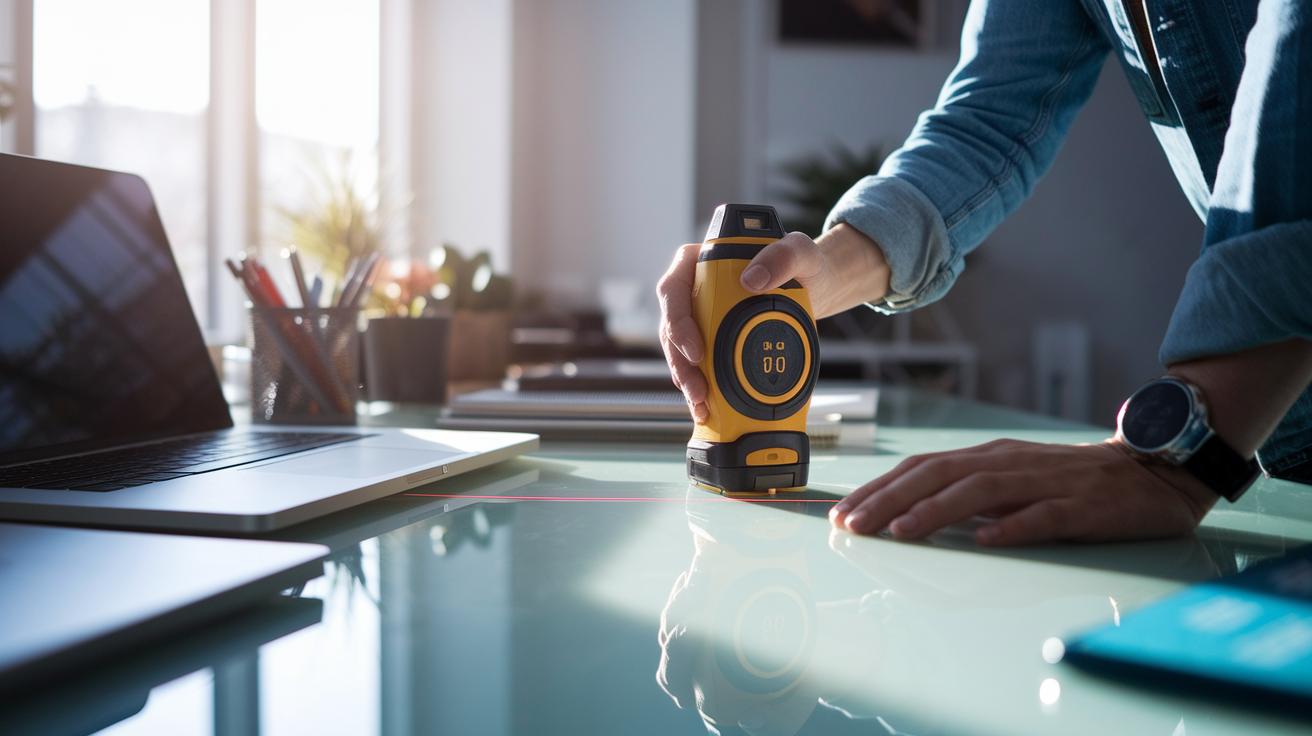
Sometimes your laser measuring tool might give readings that don’t seem right. This could be due to a few simple issues. Shiny surfaces like glass or polished metal can bounce the beam and give wrong numbers. Bright light might wash out the laser dot, making it hard to align. Also, if the tool sits on a bumpy or uneven surface, it might tilt and throw off your measurement.
When you run into this problem, try these steps:
- Check the surface. Make sure it reflects the beam well.
- Clear the area of any objects that might block the laser.
- Ensure that the light isn’t too bright for the beam to stand out.
- Place the device on a flat, stable surface.
Doing these checks will show you if the issue is from reflections, too much light, or a shaky setup.
To fix these problems:
- Use a non-reflective mat or target to catch the laser beam.
- Shade the area to cut down on glare.
- Set the tool on a level spot to stop angle errors.
Following these steps will help you get spot-on readings every time.
Safety and Maintenance for Reliable Laser Measuring Tool Operation
When you work with a laser measuring tool, safety comes first. Always point the laser away from people and animals. If you work with more than one operator, be sure everyone wears protective eyewear. Hold the device carefully and make sure the beam is not aimed at anyone's eyes. Keep the work area clear and avoid touching the buttons with your fingers to prevent accidental activation.
Regular upkeep keeps your tool working well. Here are some steps to follow:
- Clean the optical lens every month using a lint-free cloth. This removes dust and fingerprints that can affect accuracy.
- Follow the manufacturer’s guidelines for the batteries. For example, replace or recharge them after about 8 hours of continuous use.
- Check the housing and buttons for any signs of wear or damage on a regular basis.
- Plan for a professional calibration each year to maintain precision and overall performance.
By following these steps, you help prevent accidental exposure to the laser beam and keep your work environment safe.
Final Words
In the action, you mastered key steps for effective distance measurement with a laser tool. We reviewed the core principles, proper calibration routines, advanced techniques, troubleshooting tips, and essential maintenance practices. Each section built on practical, hands-on methods to boost your project confidence, keep costs predictable, and avoid extra calls to a pro. Follow each tip carefully, keep safety in mind, and enjoy the progress you make. When you review your process, remember to check laser measuring tool how to use accurately for the best results.